Building a builder for WestCose World
I got tired of moving things around in code every time I wanted to change the town. So I started building tools to place, review, and organize the world inside the world.
The question
How do I make a weird little planet easier to build without breaking the actual game?
What I tried
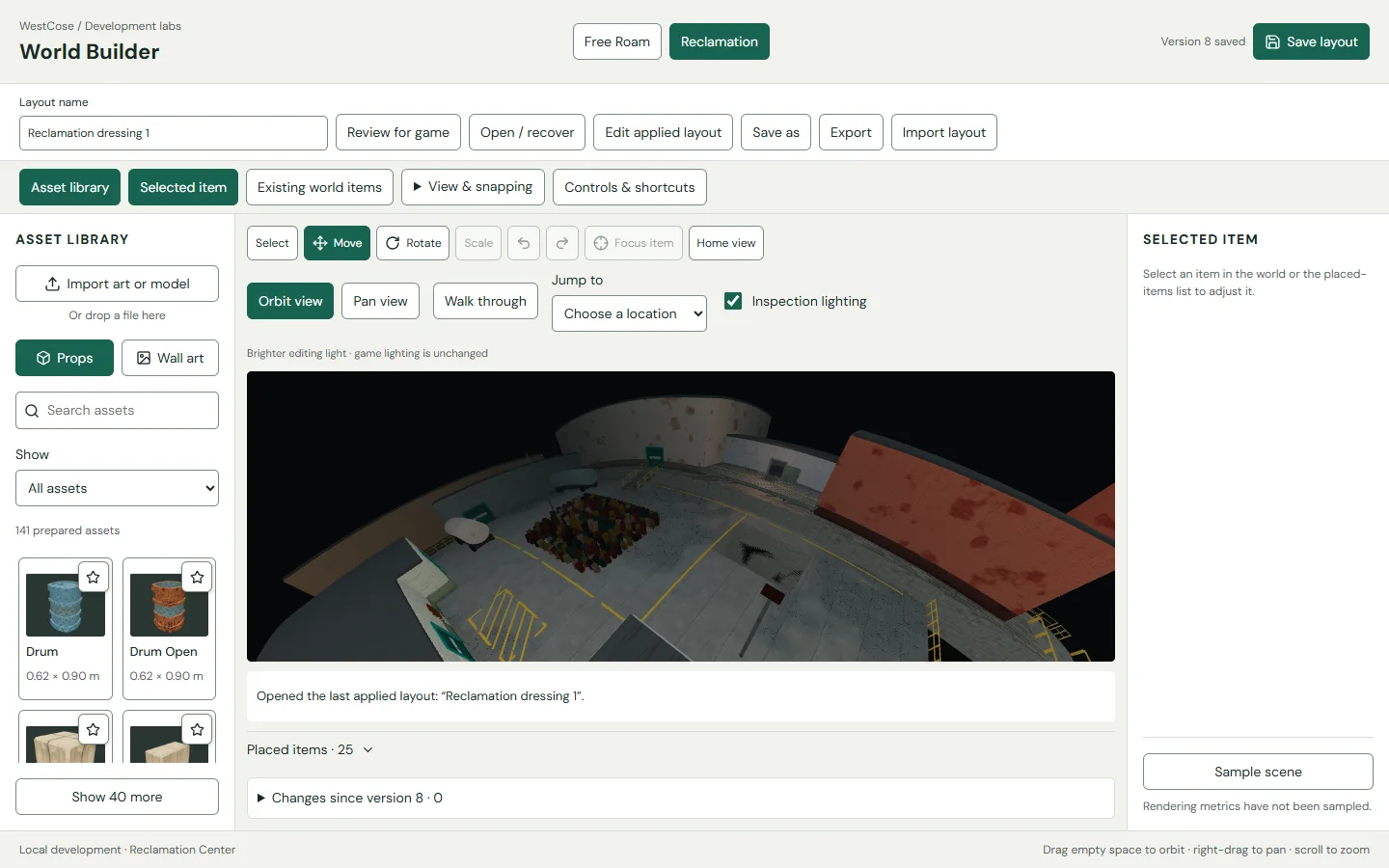
Use an asset library, scene selection, transform controls, player-height walkthroughs, and a saved-version review before applying a layout.
What it proves
World Builder is part of the World development workflow. These are actual tool captures, not a public browser builder.
Where to go next
Read the build log and follow the World case study for the placement, walkthrough, and review captures.
The problem
A scene is awkward to edit when every placement means another code change. I wanted the object I selected to connect directly to the settings that control it.
Placement and review
The inspector brings dimensions, mounting, appearance, and game inclusion together. A player-height walkthrough checks the layout from the view that actually matters.
Keeping the world consistent
Review works against a saved layout version. Clearance and route checks sit beside the changes before the layout is applied to the local game.
What I’m refining
The tool is still part of an evolving workflow. The next layout needs the same care as the last one, especially where placement affects movement and sightlines.