THE LAB / OPEN BENCH
I had to see if it would work.
This is the part of WestCose where I test things. Small interactions, 3D assets, game mechanics, build tools, unfinished ideas, and the occasional rabbit hole that was supposed to take one afternoon.
Some experiments have working demos. Some are build notes. I label them so you don’t click Play on a screenshot.
Things currently on the bench.
The bigger tests. Some turned into actual tools. Others are still being worked out.
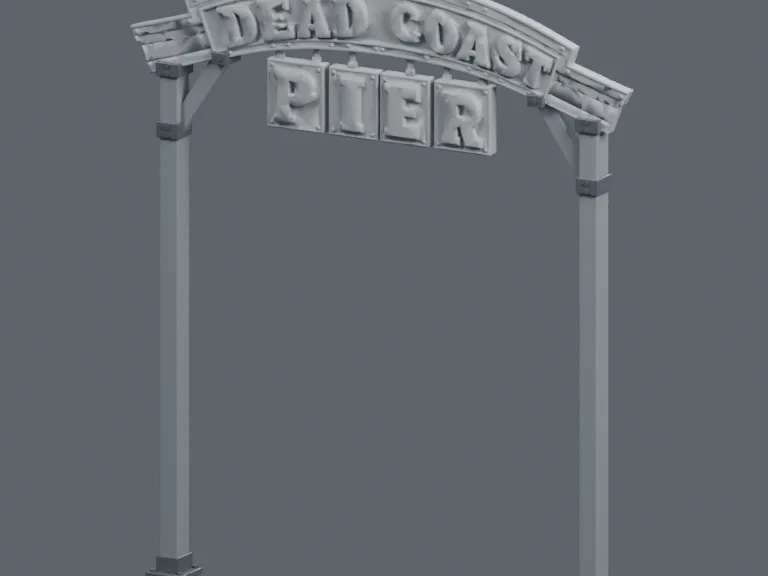
From concept art to a clean GLB
Build logAn image can look perfect and still turn into a terrible 3D model. I’ve been working on a repeatable way to get from concept art to something I can actually use.
How much cleanup can I automate without losing what made the artwork good?
Read build log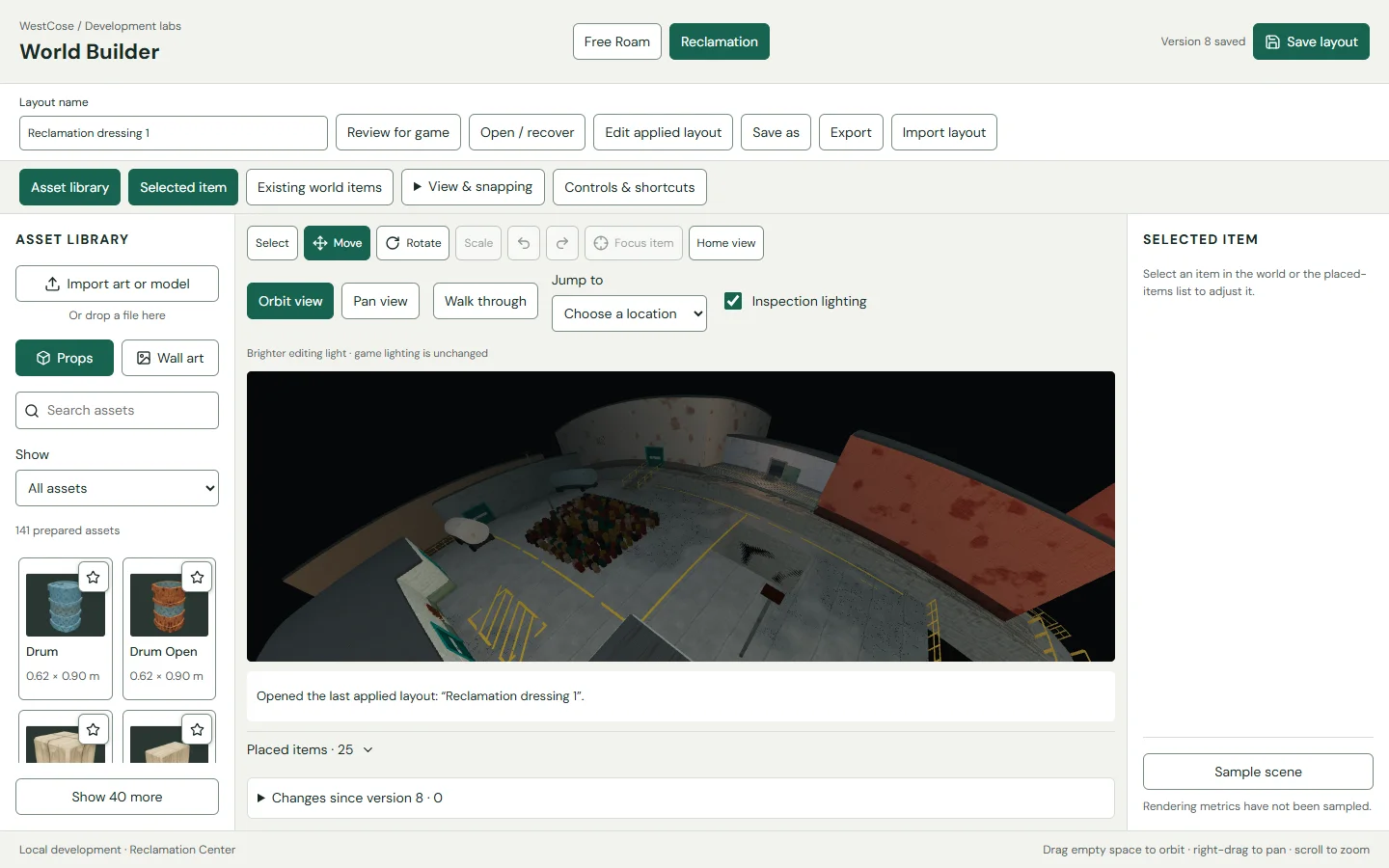
I got tired of moving things around in code every time I wanted to change the town. So I started building tools to place, review, and organize the world inside the world.
How do I make a weird little planet easier to build without breaking the actual game?
Read build log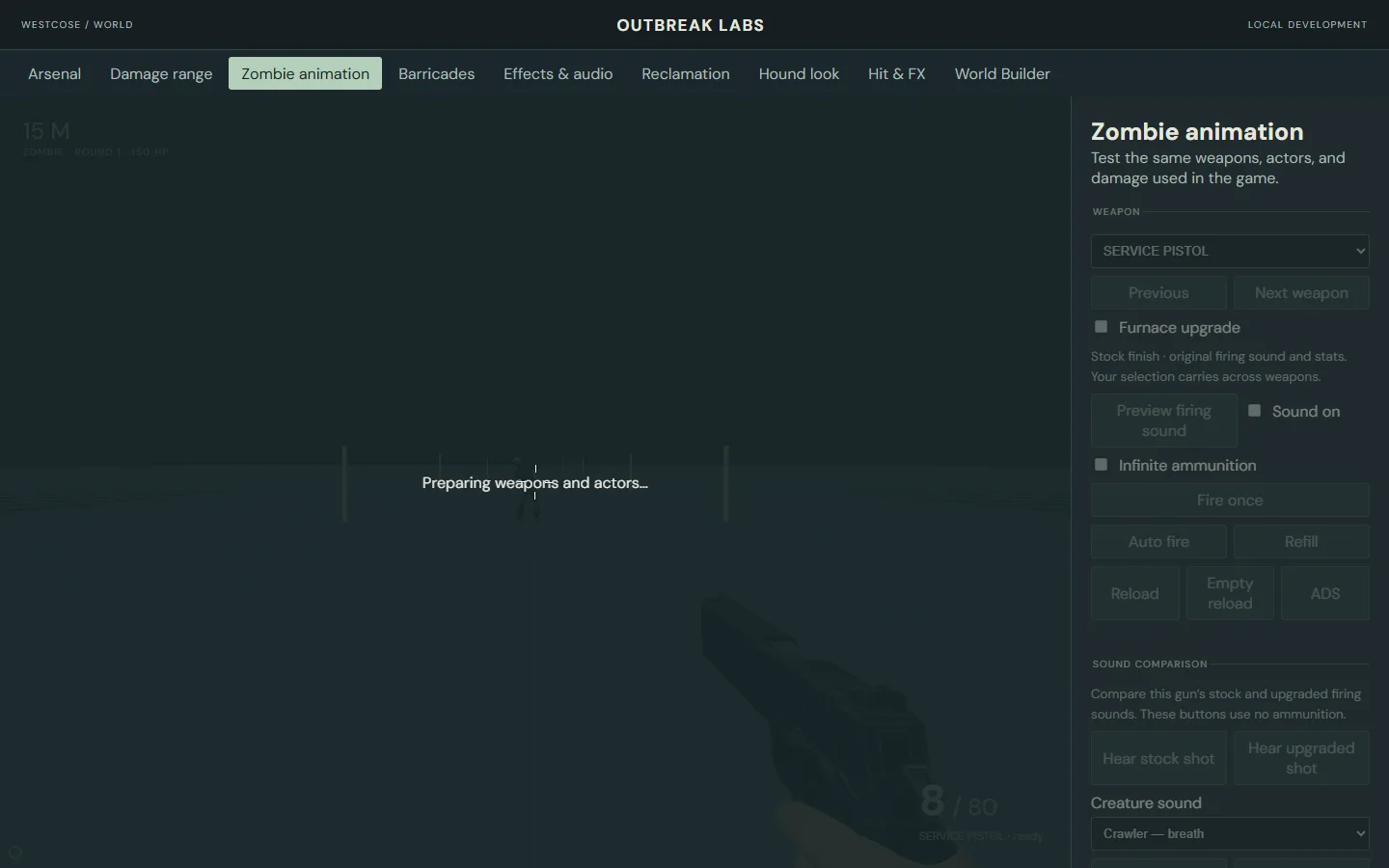
Making zombie combat feel right
Build logA zombie taking damage shouldn’t look like someone hit Pause on its walk animation. This is where I test reactions, movement, weapons, and the small things that make combat feel good.
How do I make a hit readable without enemies snapping, freezing, or getting stuck in reactions?
Read build logOne custom operating system wasn’t enough, so I started giving it different personalities. The hard part is making the themes actually change the interface without breaking it.
Can the same apps, routes, and accessibility rules survive completely different theme treatments?
Read build logOpen it. Break nothing important.
These have real controls. You can actually try them.
One site, three ways to use it
Live demoI built a portfolio that looks like a desktop, a phone, and a normal website. The same content has to survive all three.
WestCose Labs
A studio for thoughtful digital products.
/aboutSame content. Desktop presentation.
Mobile browsers keep moving
Live demoThe usable screen changes when the browser toolbar moves. Here’s a small test of why that matters.
A lock screen for a website
Live demoI made a slide-to-unlock for a portfolio. Then I had to make sure sliding wasn’t the only way to get in.
Your way in.
Slide, tap, or use your keyboard.
A portfolio didn’t strictly need draggable windows and snapping. I built the geometry anyway.
A place for your ideas.
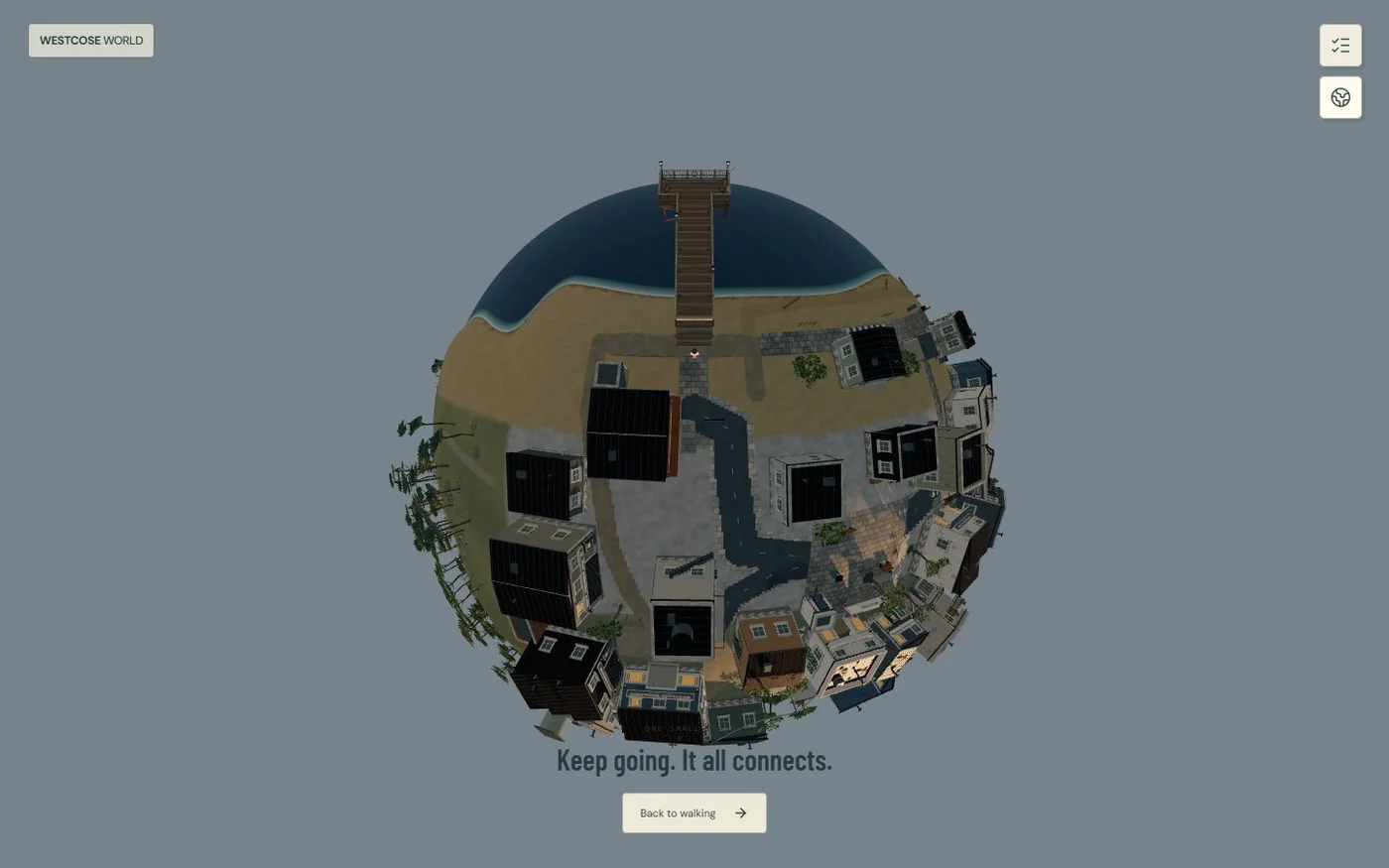
The WestCose Orbit Scene
Live demoThree planets from the WestCose Designs orbit scene. Rotate one, zoom in, or look at the models without having to open Blender.
Inspect the planets